
The current shape of agent orchestration UX
The ideal UX for agent orchestration needs full powered dev containers, fast context, and a high level interface.
The current UX of software agents speeds up development but is not ideal for running multiple agents in parallel. This post explores the shape of existing products to see what the ideal UX might look like.
The simplest UX that gives an overview of your agents is the most common. It is a list of agent sessions. If these agents are triggered from a web app, each will have its own sandbox to pull the code and keep work separated.
Examples:
- Claude Code on the Web
- OpenAI Codex Cloud
- Cursor
- Augment remote agent
- Verdent
- Google Jules
- VSCode Agent sessions
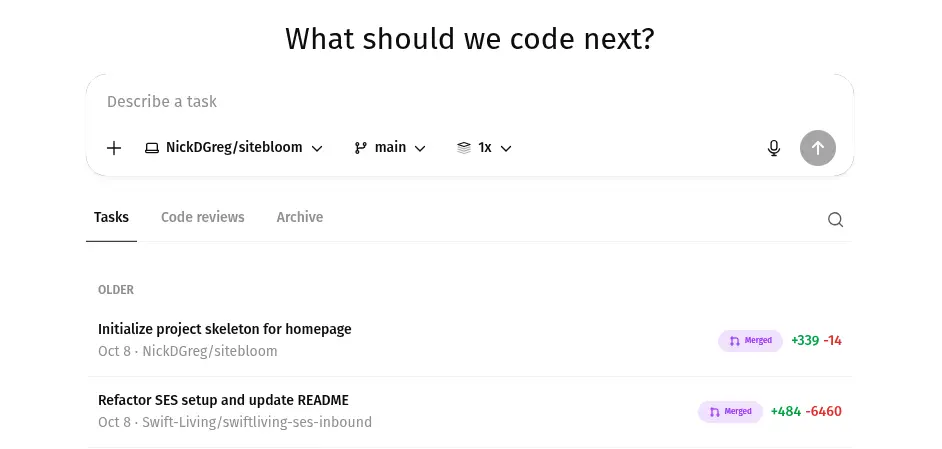
Agent sessions are just some of the total work that needs to be done so it makes sense for sessions to be part of a project board rather than an isolated list. Tasks can be added directly through discussions with an agent, then assigned to an agent directly on the board itself. This improves on copy pasting prompts into chat boxes.
Examples:
To best solve the task, the agent assigned needs context. In task boards we attach files or paste error logs to the tasks. The same applies to agent sessions where we connect apps or paste in what they need. To the extent possible, spending less time providing the right context for a task means we could move to even higher levels in the orchestration.
Examples:
- Factory.ai with product management tools to assign tasks to agents
- Kubiya
All of the tools above are able to run the agent in a sandbox to parallelise work. However, most projects I’ve worked on required more than pulling a git repo, there is always more to set up. But as agents write more code, the dev setup should be optimised for the agents not humans. Part of the success of vibe coding products is that they are based on the agent having total access.
Examples:
While the total control means agents can do their best work, these apps do not have any way to parallelise the work. Each UX of these tools only offers part of the solution. Bringing it all together we need:
- an environment tailored for agents to run everything they need (dev containers are now finally worth the time to set up)
- an interface that lets us orchestrate agents in high numbers
- a way to quickly generate tasks with the full context to solve them
All providers have created sandboxes for the agents to run in and they will be fully customisable to spin up the entire project. Though how easy that is will vary. They will all also provide on some form of orchestration UX as it is a natural next step. I expect we will see them soon.
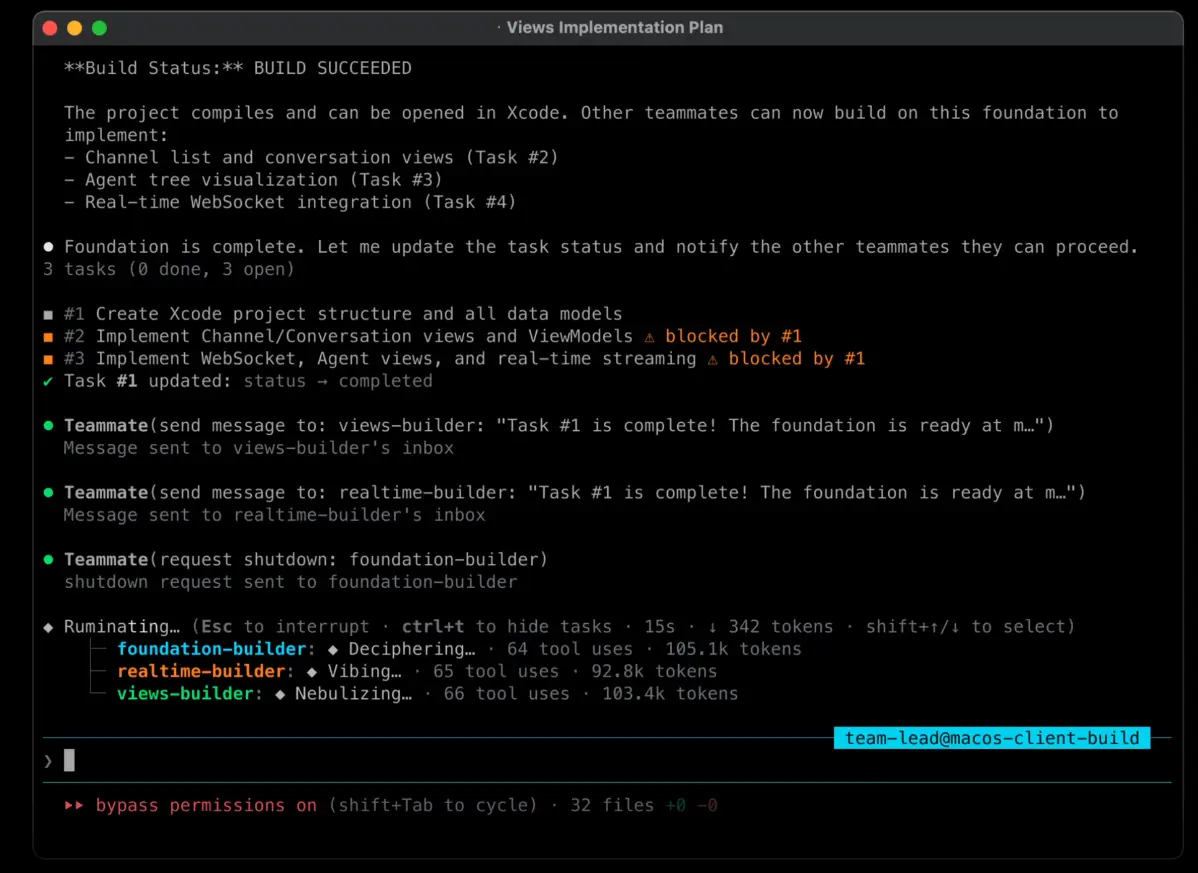 An experimental claude code orchestration feature (source: Mike Kelly)
However, the orchestration UX and the workflow to keep the robots fed with tasks will be much harder to get right. GitHub have talked about what it could look like.
“The future is about giving you the power to orchestrate a fleet of specialized agents to perform complex tasks in parallel, not juggling a patchwork of disconnected tools or relying on a single agent.”
“Instead of jumping between pages to track progress, monitor changes, and manage tasks, everything you need now lives in one streamlined, centralized view.”
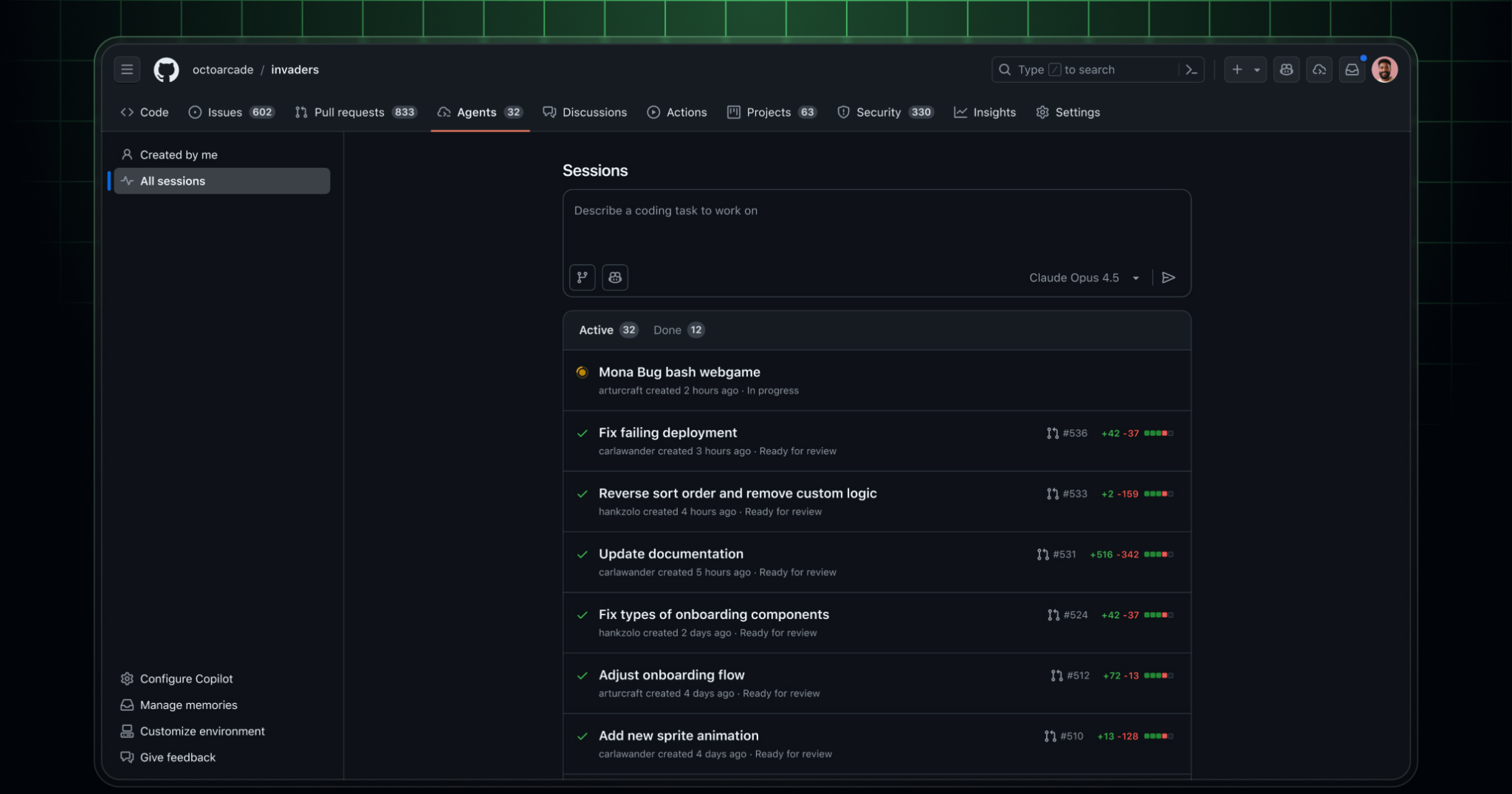
Unfortunately, Copilot fell so far behind Cursor and then even further behind Claude Code and Codex that it is hard to subscribe to. But GitHub is still well placed to put all the pieces together as they have issues, pull requests, project boards, CI/CD actions, and workspaces.
I expect we will have many versions of the orchestration UX. We can already see different patterns emerging. Claude code and codex are adding features so fast I know I’ve missed a lot of what they can do already. Personal preferences mean developers will use different tools and different integrations. The future is not fixed!
But if agents become so powerful that developers don’t need to review the work then maybe the only UX we need is two numbers, one showing revenue and one showing token cost.